Facebook, Instagram, TikTok and YouTube
Every box of the real report form, in order, filled in and counted to the platform's limits.

Meta copyright form7 boxes filled
How to report a Facebook or Instagram copy of your YouTube video through Meta's copyright form, what Meta tells the uploader, and what to do when it comes back.
Every box of the real report form, in order, filled in and counted to the platform's limits.
Check your email. We've sent a link to start your pack to
Name the accounts copying you. When they post your work again, a new pack is waiting in the morning.
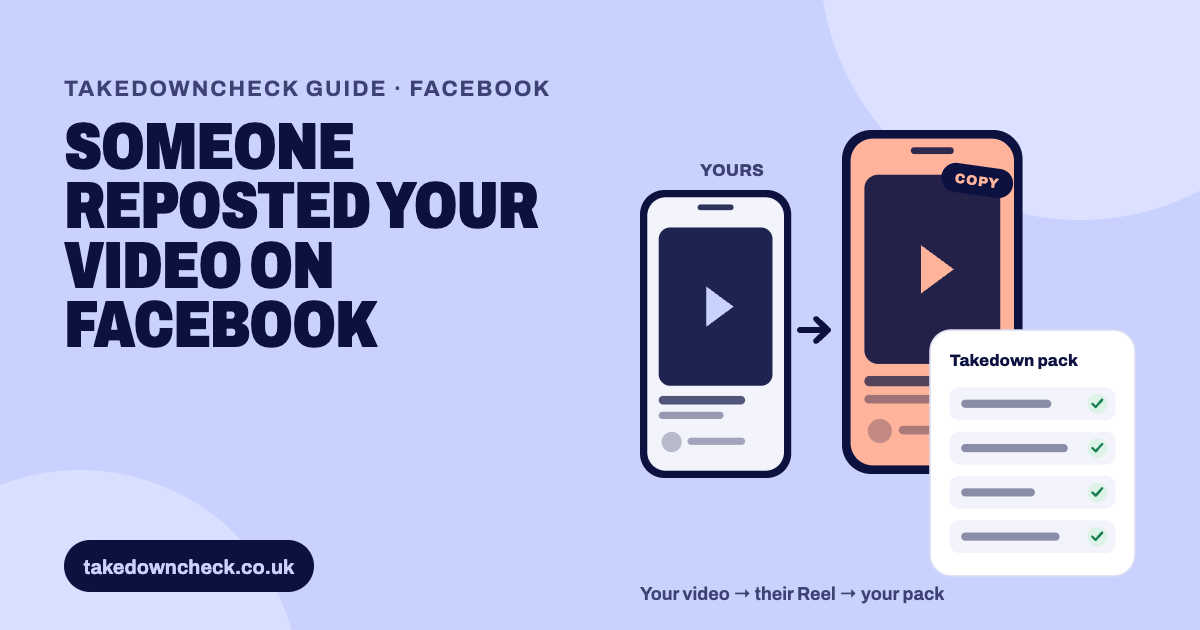
Report it through Meta's intellectual property form. Choose Copyright, pick Facebook or Instagram as the platform and say where you're asserting rights. You'll need a direct link to each copy, a link to your original and a clear description of what you made. Only the rights owner or someone authorised by them can file, and Meta regularly passes your name and email to the uploader.
You can report it if you own the copyright in what was taken, or if the owner has authorised you. Meta is plain about this: “Only the copyright owner or their authorised representative may file a report of copyright infringement.” A fan, a friend or a viewer who spots the copy can’t file for you.
Meta also says what copyright covers: “Copyright protects original expression, such as words or images. It does not protect facts and ideas.” For a YouTube creator, that usually means the copy uses one or more of these:
Some things aren’t yours to claim, even when the copier took them too. That covers your title on its own, the story or subject, facts from the news, other people’s photos or archive clips inside your video, and music you licensed. If a freelancer made your thumbnail or edited your video, check you hold a written assignment or licence. Under UK law, paying for work doesn’t automatically make you its owner.
Pick Copyright in the form, not Trademark. Trademark is for a logo or brand name used to mislead, not for your footage.
Gather these first. It takes ten minutes and makes the report far harder to refuse.
If you’d like the form filled in for you, the free pack at the top of this page pairs the copy with your video and fills in every box, ready for you to paste and submit.
Meta runs one intellectual property form for Facebook, Instagram, Threads, WhatsApp and its other products. The “Instagram copyright form” some sites link to opens the same tool with Instagram already selected. The quoted labels below are the form’s own wording, as we saw it when filing in September 2026.
Open Meta’s intellectual property form. Under “What right is being violated or infringed?” select Copyright. The other options are Trademark and Counterfeit.
Under “Select the platform where the content that you wish to report is located”, choose Facebook or Instagram. Report the other platform’s copies separately.
“Where are you asserting rights?” is a country list. A UK creator picks United Kingdom.
“Are you the rights owner?” offers “Yes”, “No, but I’m authorised to represent the rights owner” and “No”. A manager or agency filing for a creator uses the middle option.
“What is the name of the rights owner?” takes your full name or the organisation’s.
“Provide the URLs/IDs leading directly to the content that you’re reporting” takes up to 30 links, separated by a space, comma or semicolon.
“Provide an example of your copyrighted work” wants a direct link to the work itself. The form says it can’t review files stored on cloud file hosting services, so link your YouTube video. The box is short, so use short links.
“Describe how you believe that this content infringes your intellectual property rights” is a short box of a few hundred characters. Say what you made and what the copy took.
Enter your name and email, press “Request code”, and type in the code Meta emails you.
Type your name as the electronic signature. The declaration is a legal statement, so check every link belongs in the report before you send.
The labels and limits above are what the copyright form showed when we filed in September 2026. Meta changes its forms, so if a box looks different, follow the form in front of you.
Meta sends “an automated message that contains information about your report, including a unique report number”. Keep it. Meta offers no status tracker, so that message and any reply are your record.
Most copyright reports do lead to removal. Meta’s own transparency report shows 83.19% of content reported for copyright in December 2023 was removed. That is also the latest month it has published, so treat it as a dated figure rather than today’s rate.
Meta doesn’t publish a list of rejection reasons. Its rules make the common causes clear enough.
Say what you made, where it lives and what the copy took. Keep it to facts you can stand behind. This is an example to adapt, not a form of words Meta requires:
This Reel re-uploads [length] of my video, which I filmed, edited and narrated and first published on my YouTube channel on [date]: [link to your original]. The Reel uses my footage and my narration without my permission. I have not licensed this account to use my work.
If the copy only took your thumbnail, say “the thumbnail image I designed for my video”, and describe your own part: your photograph, your layout, your lettering. Leave out anything you didn’t make.
Report every new copy as a new report. Mention the report numbers of earlier copies from the same account. That history matters because Meta’s terms allow it to act against repeat infringers.
Meta decides when that point is reached. The count also works both ways. If a removed post is restored after an appeal, or because the owner withdrew the report, Meta says it takes that into account under its repeat infringer policy.
Meta’s matching tool is changing name for creators. In Meta’s words: “For creators, Rights Manager in Meta Business Suite is going away soon.” Creators already enrolled will use “the content protection tool, located in Professional dashboard on Facebook on both mobile and desktop.” Meta confirms the tool matches video reference files. For Instagram, matching has to be switched on separately.
It isn’t instant. You apply, and Meta looks at four things: whether you mainly post wholly original content, whether you have a catalogue of it, your record of past infringements, and your account’s standing. After a rejection you wait 7 days to reapply, 21 days after two, and 60 days after three or more. Meta also says: “If you don’t have access to Rights Manager or content protection, you may report individual infringements through our IP reporting forms.” For one copied video, the ordinary form is the right tool.
This is general information, not legal advice.
In one batch, a set of Reels reported together came down within about an hour. In another case, one Reel reported twice stayed up while every other report came down, which is why we keep each report to one clear work and log every date. Copy accounts on Facebook often link to a website that retells the video, and those sites often re-host the thumbnail to break the link back to the original. That’s a separate report, covered in our guide to a website copying your video.
The platforms' own pages this guide is based on.
No. Meta says it regularly gives the person whose content was reported the rights owner's name, your email address and the report details. Instagram's own help centre says reports are anonymous except intellectual property reports. Use a business email address, as Meta suggests.
The form asks you to pick one platform per report. Meta doesn't say whether a single report can cover both, so file Facebook copies and Instagram copies as separate reports.
Meta doesn't publish a review time. You get an automated message with a report number straight away, and Meta may write to you if it needs more information. Keep that message as your record.
Meta documents an appeal route only for the person whose content was removed, not for the person who reported it. If a report fails, file a clearer one. Our guide to Facebook not removing a copy covers the next steps.
Only if you have a catalogue of original videos being copied repeatedly. It needs an application and approval, and Meta itself says people without access should report individual copies through the ordinary IP form.
Yes, if the owner has authorised them. The form has an option for people authorised to represent the rights owner. TakedownCheck doesn't file for you: it fills in the form, and you submit it.