Facebook, Instagram, TikTok and YouTube
Every box of the real report form, in order, filled in and counted to the platform's limits.

Meta copyright form7 boxes filled
How to report a fake Facebook profile, Instagram account, YouTube channel or TikTok account using your name, face or brand, who is allowed to report it, and what to prepare.
Every box of the real report form, in order, filled in and counted to the platform's limits.
Check your email. We've sent a link to start your pack to
Name the accounts copying you. When they post your work again, a new pack is waiting in the morning.
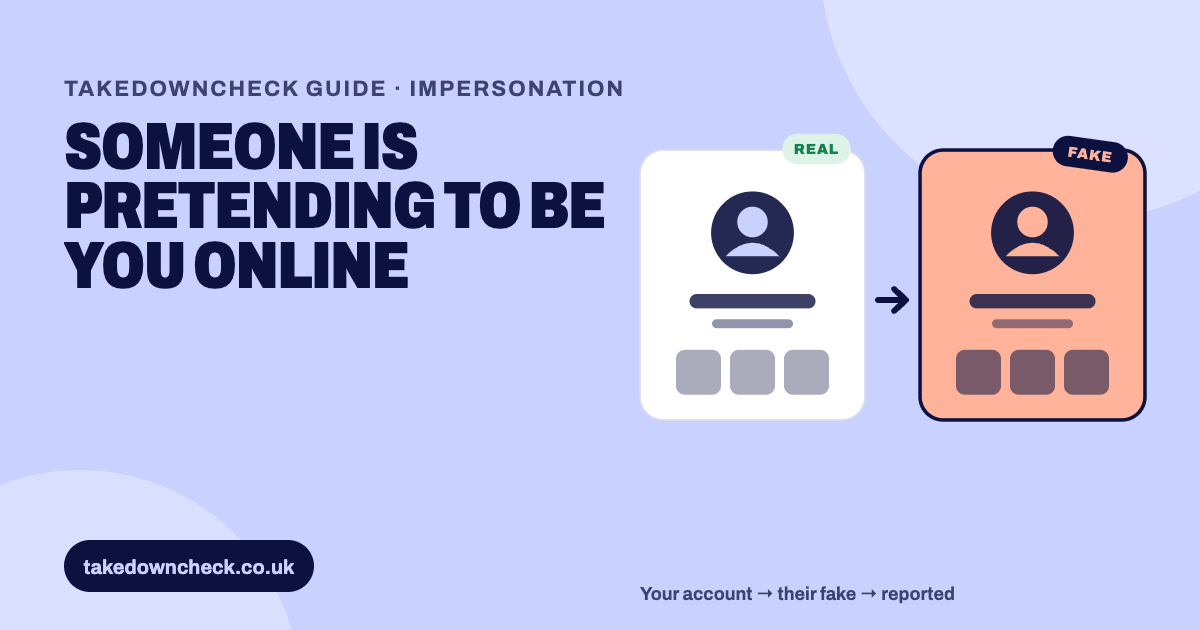
Report it to the platform as impersonation, not copyright. Facebook and Instagram act only on reports from the person being impersonated or their authorised representative, and their no-account forms ask for photo ID. YouTube has an impersonation report for channels. TikTok's legal webform has an impersonation option. If the fake account also posts your videos, report those separately as copyright.
The two get mixed up, and they need different reports.
Many bad accounts do both. A fake “backup” channel with your name and profile picture, posting your videos, is an impersonation problem and a copyright problem. Report the identity as impersonation, and each copied video as copyright. For the copyright side, see our guides to Facebook reposts, TikTok copies and YouTube reuploads.
YouTube’s policy gives useful examples of what crosses the line. It includes “Using workarounds like typos, special fonts, or extra punctuation to trick viewers into thinking you are a different creator”, copying “profile pictures, banners, or specific color schemes”, and “Pretending to be a backup channel by adding words like ‘Backup,’ ‘Shorts,’ or ‘Live’ to a creator’s name”. YouTube adds: “The channel does not have to be 100% identical, as long as the intent is clear to copy the other channel.”
Fan accounts are different. YouTube says: “If you operate a fan channel, make sure you state so explicitly in your channel name or handle.”
This is the rule that catches people out. On Facebook and Instagram, only you or your authorised representative can report impersonation of you.
So a fan, a friend or a takedown service can’t simply report the fake on your behalf. We can prepare everything for you, but on Meta the report has to come from you or a genuine authorised representative.
Go to the impostor profile, click “Options” below the cover photo, and choose “Report profile”. For a fake Page, choose “Report Page”. Follow the on-screen prompts.
Use the Report an Impostor Account form. Under “Which of the following best describes your situation?” choose “Someone created an account pretending to be me or a friend”.
Answer “Is this account impersonating you?” with “Yes, I am the person being impersonated”, or the authorised representative option if that’s you.
Give your full name and contact email, the name shown on the fake profile, any email or phone it lists, and the link to it. Facebook says: “Please confirm your identity by attaching a picture or pictures of your ID(s).”
Instagram’s steps: “Click or tap their username from their Feed or story post, or click or tap Search and search their username to go to their profile.”
“Click or tap Options next to their username. Click or tap Report, then click or tap Report account.”
“Click or tap It’s pretending to be someone else. Select the type of impersonation and follow the on-screen instructions.”
Use the impersonation form. It asks for your name, email, your relationship to the person impersonated, both accounts’ usernames, and ID. Instagram says “Your ID will be deleted within 30 days”.
Instagram lets you report accounts pretending to be “You”, “Someone you follow”, “A celebrity or public figure” or “A business or organisation”. It also notes: “At this time, you can only report an account for impersonating someone or something, but not for misrepresenting itself.”
YouTube’s impersonation policy says: “If you feel that yours or another creator’s channel is being impersonated, you can report the channel.” The report form is behind a sign-in, and YouTube doesn’t publish its fields, so have your screenshots and your real channel link ready.
If the fake uses your face or voice, including AI-generated versions, YouTube points to its privacy route: “If you find your personal information, a video featuring you, or AI-generated content mimicking your likeness or voice without your consent, you can file a request for removal under our privacy guidelines.” For that route, “The individual must be uniquely identifiable in the content”. YouTube’s privacy pages don’t ask you to upload an ID document.
For AI likeness, YouTube considers whether the content is altered or synthetic, whether that’s disclosed, whether you can be uniquely identified, whether it’s realistic, and whether it has parody, satire or public interest value. It says “we won’t share your name or contact info with the person who posted the content.”
TikTok’s legal webform includes “Reporting a possible impersonation violation” as one of its issue types, alongside copyright. TikTok hasn’t published what evidence it asks for on impersonation reports, so have your real account link and screenshots to hand, and answer what the form asks. Don’t send anything the form doesn’t request.
None of these platforms publish a timescale for impersonation reports.
Where there’s a free-text box, keep it short and factual. An example to adapt:
This account copies my name, profile picture and channel art so that people believe it is me. My real account is [link]. The fake account [link] has messaged my followers asking for money, and I have never asked followers for money. I am the person being impersonated.
Only include what’s true. Don’t add claims about the person behind the account.
Keep every report, screenshot and response in one dated record. A pattern of new accounts using the same name, picture or content is useful when you report again.
This is general information, not legal advice. Copyright doesn’t protect your name: UK courts have held that a single name isn’t an original literary work, and protection against confusing use of a name belongs to trade mark law and passing off. Your photographs, channel art and videos are protected by copyright, so a fake that copies them can be reported for that too. If a fake account is taking money from your followers or damaging your business, speak to a solicitor about what’s worth pursuing.
Evidence that an account is working from your channel is often in the text. On TikTok, the giveaway in copied parts is a creator’s own title quirks and typos, copied character for character, and the same record helps when a fake account reappears under a new name. Because Meta’s impersonation forms refuse third-party reports, we prepare the evidence and the creator files the impersonation report themselves. If the account is also copying your videos, the free pack at the top of this page fills in the copyright form for you to paste and submit.
The platforms' own pages this guide is based on.
On Facebook and Instagram, not unless they're your authorised representative. Both forms say they 'can only act on reports from the person who's being impersonated or their authorized representative'. YouTube's privacy complaints also require first-party claims, with narrow exceptions.
For impersonation on Instagram, no. Instagram says 'The account that you reported won't see who reported them.' Copyright reports are different: Meta shares the rights owner's name and your email with the uploader.
Facebook's and Instagram's no-account impersonation forms ask for a picture of your ID. Instagram says your ID will be deleted within 30 days. YouTube's privacy pages don't require an ID document. Only upload ID through the platform's own form.
YouTube allows fan channels that say so 'explicitly in your channel name or handle'. An account that makes clear it's unofficial is usually not impersonation. One that could make people think it's really you is.
It helps, but it isn't a shield. Meta says verified profiles get proactive impersonation monitoring, but only once identity verification has passed. You still need to report fakes you find.
No. Impersonation is pretending to be you. Copyright is about using work you made. A fake account often does both, which means two separate reports.